What Are the Types of Office Furniture Design?
Office furniture design shapes how people work, move, meet, and focus throughout the day. It includes more than choosing attractive desks and chairs. The right design considers comfort, room dimensions, storage, circulation, and the tasks employees actually perform. A compact workstation, for example, may need an adjustable chair, a monitor at a comfortable viewing height, and clear space for documents. Small details matter.
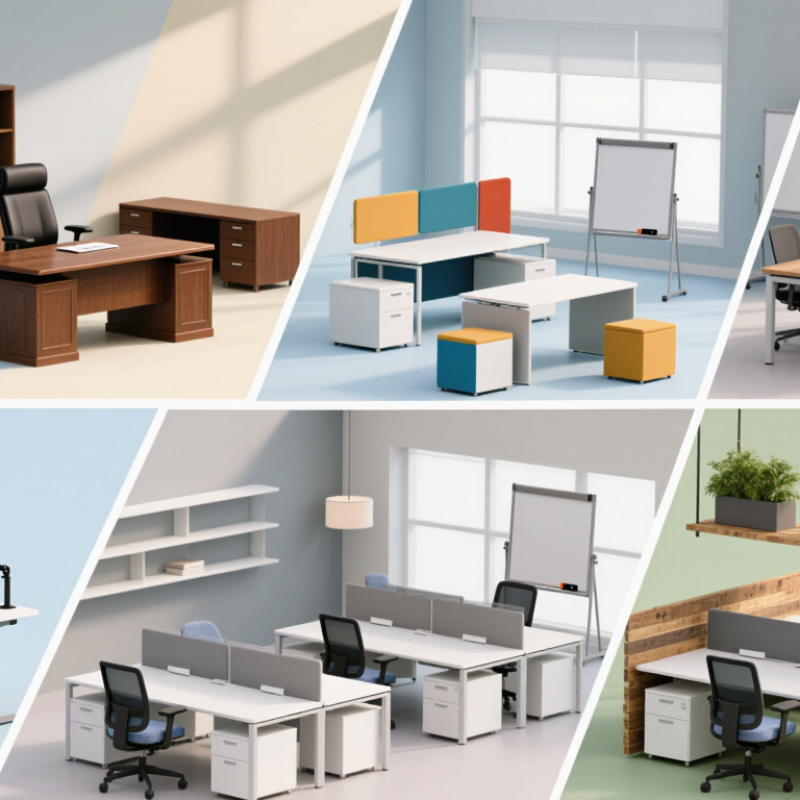
Common types include ergonomic, traditional, contemporary, modular, collaborative, and sustainable designs. Each answers different needs. Ergonomic furniture supports varied postures and adjustment; modular pieces can adapt as teams or rooms change. Collaborative layouts use shared tables and flexible seating, while traditional designs may suit offices that favor enclosed desks and substantial storage. These categories can overlap. A contemporary office can also be ergonomic, and a modular setup can still feel warm and personal.
This guide explores what distinguishes each type and where it may work best. It also considers practical choices, such as matching furniture scale to the room and checking whether a chair remains comfortable after a full workday. There is no single perfect setup. A striking layout may look good in photographs but feel crowded once people, bags, and cables fill the space. That deserves a second look. The most useful design balances appearance with everyday comfort, durability, and the way a workplace truly operates.
Traditional and Executive Office Furniture Design
Traditional and executive office furniture design often uses wood, balanced proportions, and carefully chosen details. Traditional rooms may feature carved edges, warm finishes, and bookcases that make paperwork easy to reach. A walnut desk beside a shaded lamp can create a calm, familiar workspace. It should still leave enough surface area for a laptop and daily notes.
Executive furniture tends to look more substantial, with broad desks, supportive chairs, and storage that keeps documents close but out of sight. Choose a chair that supports the lower back and allows feet to rest flat. Check that desk height suits the person using it, not just the room’s appearance. A large desk can feel impressive, but it may dominate a small office. That trade-off is easy to miss in a showroom. Natural light, clear walking paths, and a modest amount of decoration help keep the room usable rather than stiff.
Tips: Measure the room and doorways before ordering. Sit at the desk for several minutes, and check reach, legroom, and screen height. A little empty space helps.
Contemporary and Minimalist Office Furniture Design
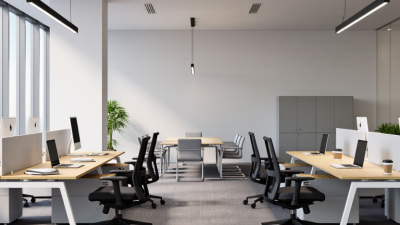
Contemporary and minimalist office furniture favors clean lines, restrained colors, and purposeful shapes. The aim is not to make a room feel empty. It is to give every piece a clear job. A slim desk with a matte surface can make a compact office feel more open, while rounded edges soften a room full of straight lines. Less can work.
Function matters more than appearance. Choose a desk with enough depth for a monitor, keyboard, and notebook without crowding your arms. A height-adjustable model can support changes between sitting and standing, but only if the controls are easy to reach. Pair it with a supportive chair, and check that its arms fit beneath the desk. Small details count. A cable tray and one closed cabinet can keep visual clutter down without hiding everyday supplies.
Minimalism can become too severe. A bare desk may look calm in a photograph, yet leave chargers and documents awkwardly exposed during a busy day. Consider how people actually use the room before removing storage or choosing pale, hard-to-clean finishes. Wood grain, a fabric chair, or a warm task light can add comfort without disrupting a simple palette. The balance is not always obvious, and a layout may need adjustment after people use it.
Ergonomic and Adjustable Office Furniture Design
Ergonomic and adjustable office furniture is designed to fit the worker, not force the worker into one fixed posture. A chair should support the lower back, with seat height allowing feet to rest flat and knees near hip level. Armrests should let shoulders relax while hands reach the keyboard. Small details matter. A desk that rises and lowers can help workers alternate between sitting and standing, but movement should feel easy rather than disruptive. The Cochrane systematic review “Workplace interventions for reducing sitting at work” (2018) found sit-stand desks reduced workplace sitting by about 100 minutes per workday in the short term. The review also noted that evidence quality was limited.
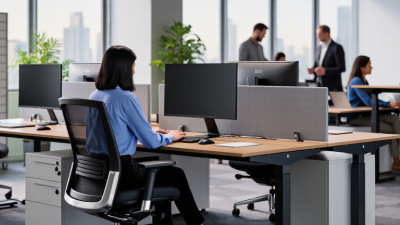
Good design considers the whole workstation. A monitor arm can bring the screen to eye level, while a footrest can help when the desk cannot be lowered enough. Adjustable furniture is especially useful in shared offices, where users differ in height and working habits. Still, adjustment is not a cure. A height-adjustable desk can become an expensive coat rack if routines never change. Workers may need simple reminders to shift position, stretch, and take brief walking breaks. Designers should also test furniture with real users, since controls that are difficult to reach or understand often go unused.
Collaborative and Open-Plan Office Furniture Design
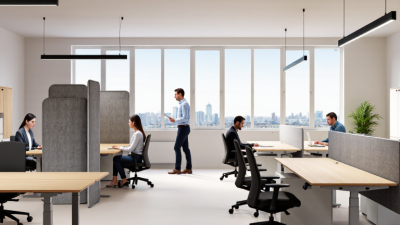
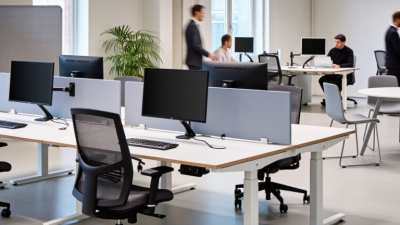
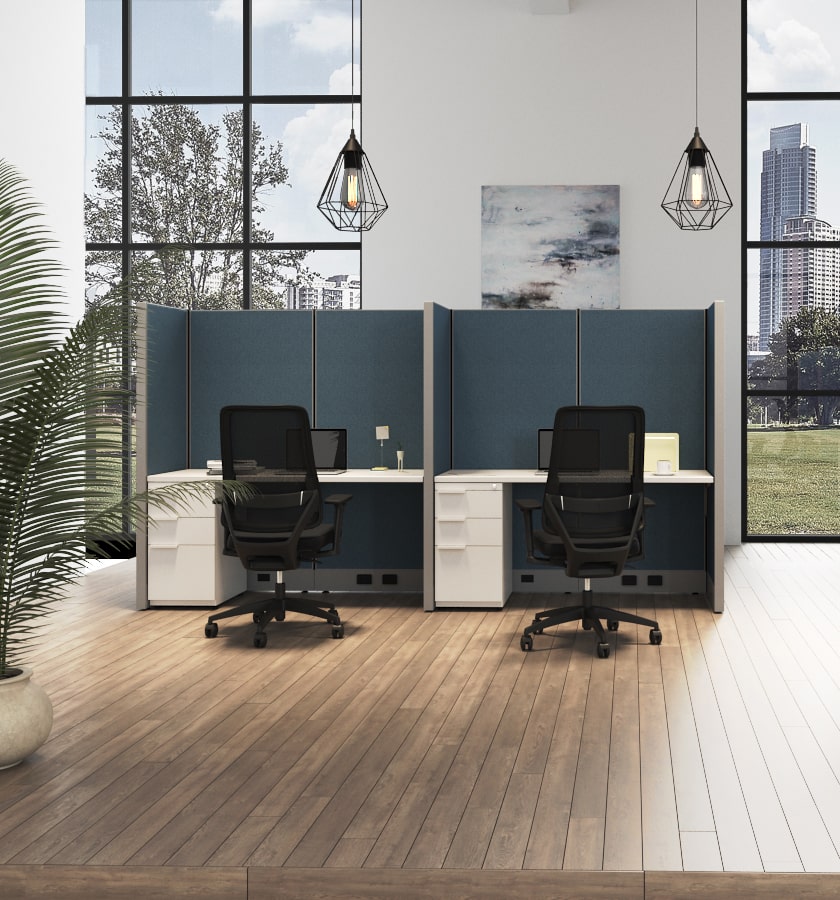
Collaborative and open-plan office furniture design works best when it offers choice, not just fewer walls. A shared table can support quick project reviews, while nearby two-person booths give colleagues room for quieter conversations. Mobile whiteboards, power outlets, and varied seating make teamwork easier to start. But openness alone does not create collaboration.
The 2023 Work Trend Index reported that 68% of surveyed workers lacked enough uninterrupted focus time. A 2018 peer-reviewed study of two organizations found face-to-face interaction fell by about 70% after employees moved into open offices. These findings point to a real design tension: teams need visibility and connection, yet constant noise can make focused work difficult.
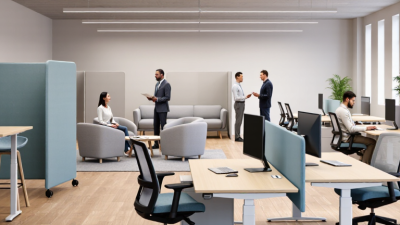
A practical layout pairs communal benches with enclosed rooms, acoustic screens, and small retreat seats. Place collaboration zones near shared project tools, not beside every desk. Give employees control over lighting and seating where possible; small choices matter. That sounds tidy on paper. It often isn’t. Screens can block daylight, and booths may become scarce at peak hours. Observe how people use the space, then adjust furniture placement and room availability rather than assuming one layout suits everyone.
Modular and Space-Saving Office Furniture Design
Modular and space-saving office furniture works best when it responds to real patterns of use.
A two-person project table can become an individual workstation; mobile screens can create a quiet corner beside a busy team area. Keep power access close and leave clear paths for chairs and carts. Small details matter.
Hybrid work makes flexibility useful, but it does not prove every office needs fewer desks. The U.S. Census Bureau reported that 15.2% of employed people usually worked from home in 2022, compared with 5.7% in 2019. That figure describes workers, not daily office attendance, so use it as context rather than a furniture-sizing formula. Gensler’s 2024 Global Workplace Survey included more than 16,000 workers across 15 countries, reflecting the broad range of workplace needs designers must consider.
Plan around a typical busy day, not just an empty floor plan. Measure desk use, meeting-room demand, storage needs, and accessible routes before choosing furniture. Modular pieces can be rearranged as teams change. Still, modularity is not magic. A stack of spare chairs can become clutter, and frequent reconfiguration may frustrate staff. Pilot one zone, ask employees what works, and adjust before expanding.